Model Selection Reference
Last updated 1 day ago
This reference explains (1) available models, (2) how auto model selection works, and (3) how manual model selection works.
Available Models
As of October 2026, release 1.24. The models appear in this order in the model picker when you switch “Auto” off.
Models with a reasoning variant appear twice in the list, once with the suffix “(Reasoning)”.
Open-weight models (since release 1.23): they run entirely in the EU through a European provider and are our first fully EU-sovereign models. You select them manually; “Auto” does not use them.
New models and “Auto”: you select Claude Opus 5 and 5.5, GPT-6 Sol and Luna (release 1.22), Claude Sonnet 5.5 including its reasoning variant (release 1.24) and the open-weight models manually. We only let “Auto” use a model after sufficient testing. File support: All models work with all file formats MAIA supports, because MAIA prepares files in a separate analysis step first.
Addition Of New Models
We’re constantly evaluating and testing new base models. Once we can ensure that a new base model is available GDPR-compliant, works well for the use cases our customers have, and we can provide it in a reliable way, we will add it to the available models.
Removal: Because MAIA should be accessible to every user, we constantly check whether the available models still met the bar. We aim to only have models available that will work well even if a user selects them by mistake.
Auto Model Selection (Default)
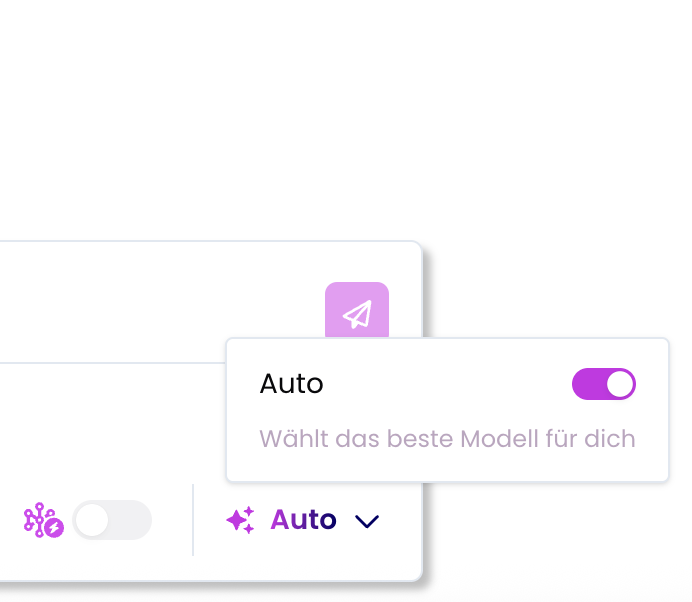
How it works:
Per-query analysis: For every single query, MAIA analyzes the question type before responding
Model selection: A decision system chooses the optimal model based on benchmark data for different task types
Dynamic switching: Models may change between queries within the same chat based on question content
Decision basis: Large benchmark table showing model performance across different task types
Transparency: With Auto Model active, the top of each query will reveal which model was used (after creation of the full answer).

Manual Model Selection
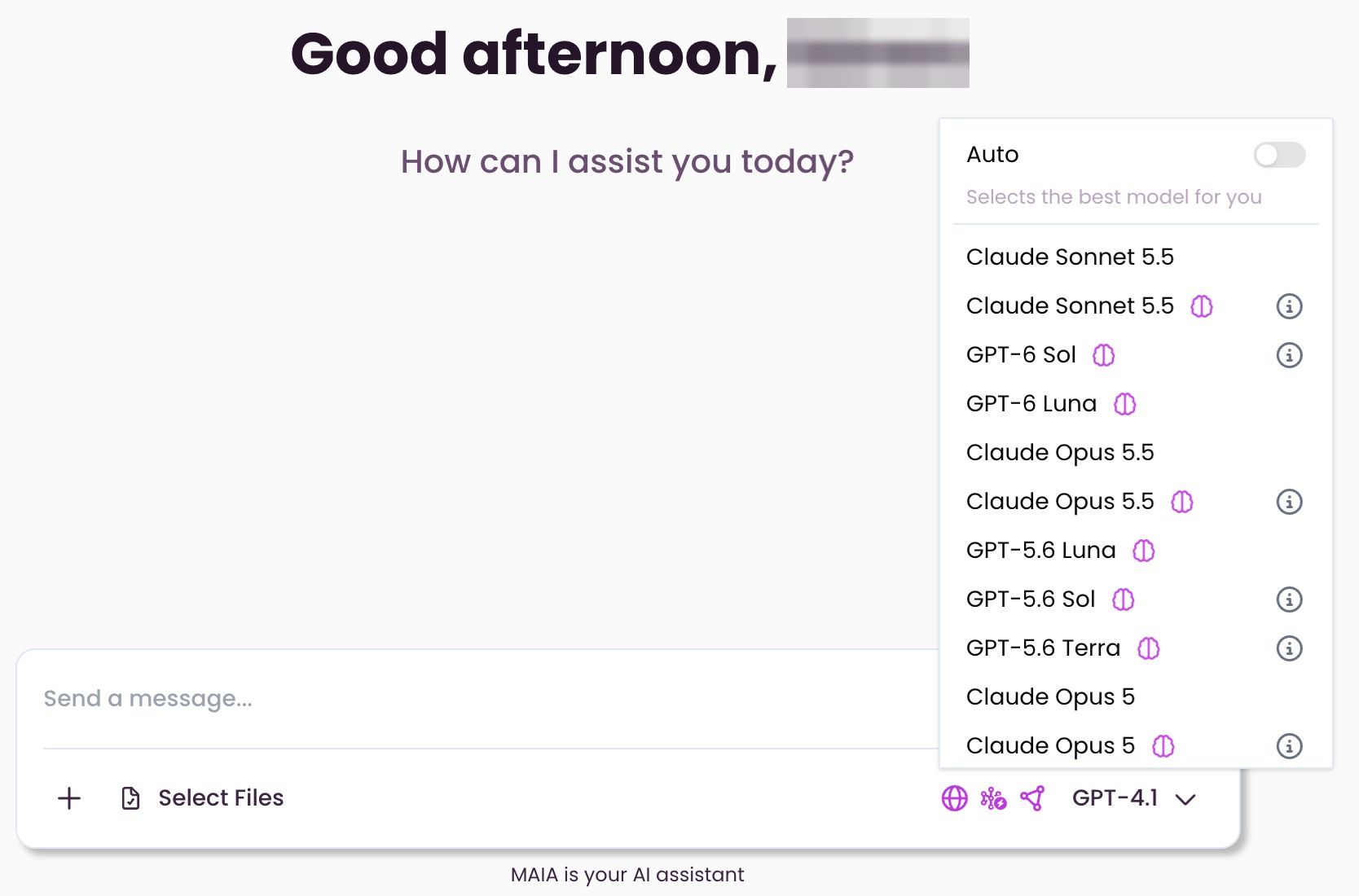
How to enable:
Turn off auto model selection in chat interface
Select your preferred model from dropdown
Persistence: Your choice persists across all future queries and new chats
How it works:
Single selection: Choose model once, applies to all subsequent queries
Consistent experience: Same model used until you manually change it
Cross-chat persistence: Selected model remains active in new conversations
Reasoning Models
Models with the suffix “(Reasoning)” support so-called reasoning. In this process, the model first “thinks” internally about a request before formulating the actual answer. It uses additional intermediate steps (“thinking tokens”) that help handle complex tasks more effectively. Since the model goes through more steps internally, reasoning answers may take a bit longer than normal ones. That’s normal and means the model is actively “thinking.”
Reasoning can be activated automatically in auto mode depending on the model, or it can be selected manually. Certain reasoning models have a limit per person and model within a rolling 30-day window: 50 requests on the Professional plan, 1,000 on the Enterprise plan. This applies, for example, to Gemini 2.5 Pro, Claude Sonnet 5.5 (Reasoning), Claude Opus 5 and 5.5 (Reasoning), GPT-5.6 Sol and Terra, and GPT-6 Sol. Once a model reaches its limit, “Auto” skips it. After reaching the limit, the model is excluded from auto mode. The number of thinking tokens a model can use for its “thoughts” depends on the provider and the model.
These tokens are not visible. They run in the background and serve exclusively to improve the quality of answers.
Was this helpful?
Still need help? Share an idea