Advanced Document Analytics (ADA)
Last updated Over 1 year ago
Advanced Document Analytics (ADA) is an advanced analysis technology MAIA uses to improve the processing and analysis of documents. ADA uses advanced Optical Character Recognition (OCR) technology to recognise scans, complex tables and chapter headings and other structure-relevant content. This allows documents to be analysed more deeply and precisely, providing even better answers and interpretations.
Activation of ADA (relevant for Admins and Owners)
Go to your workspace.
Navigate to ‘Settings’
Go to ‘User management’.
Tick the box next to ADA to activate it for each user.
After activation, all subsequently uploaded PDF files are analysed and displayed in the file manager under the ‘Advanced’ tag.
Main features
File format & availability
Analysing with ADA is only possible for PDF documents, as such advanced analysis is not technically necessary for other file formats.
ADA is available for Professional and Enterprise plans.
Automatic processing:
All new documents are automatically processed (if enabled for the user) with ADA.
When the monthly limit is reached, a message is displayed that the normal pipeline will be used to process the documents. There is an option to purchase additional pages, contact info@prodlane.io for this.
Limitation:
There is a limit of 1000 pages per user per workspace per month. For example: 1000 pages x 10 users = 10,000 pages.
Documents analysed with ADA are limited to a maximum of 1,000 pages.
File manager:
Documents that have been processed with ADA are labelled ‘Advanced’ in the Analytics column in the file manager.
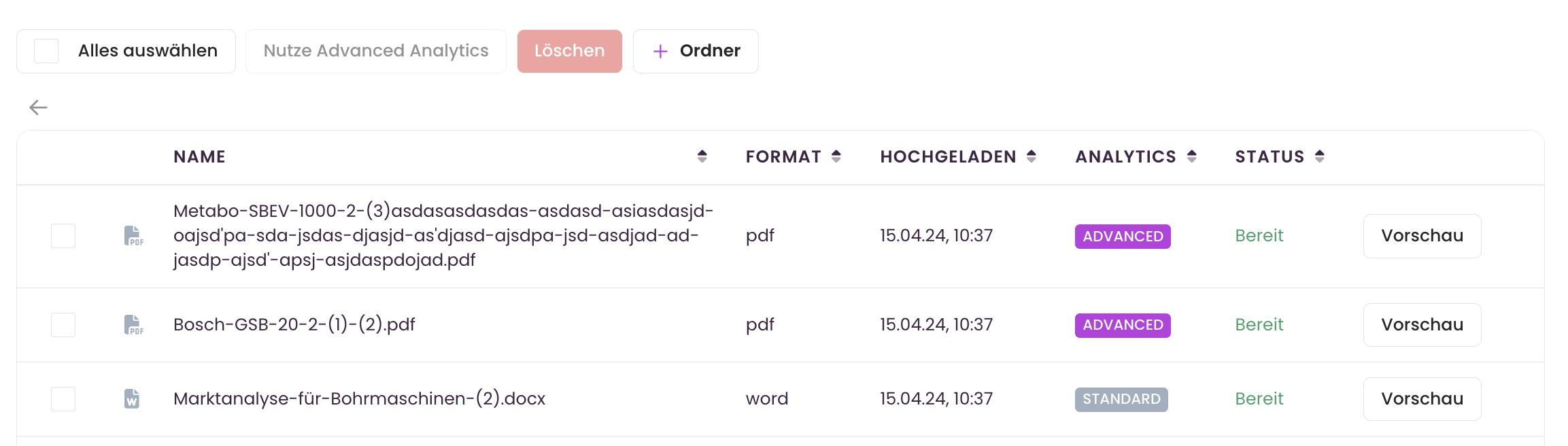
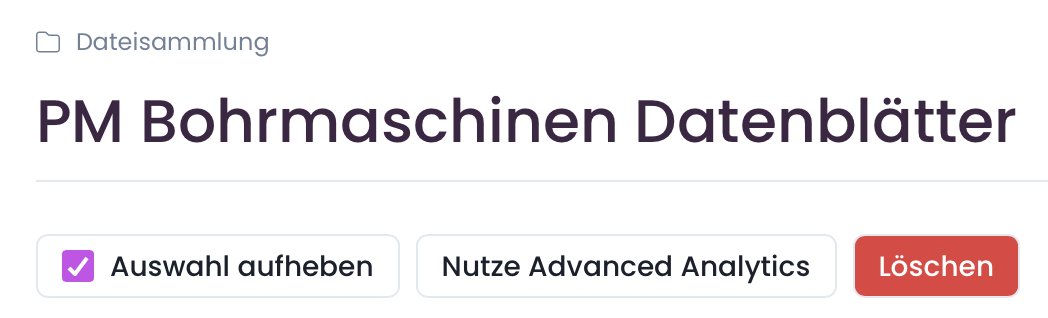
If you have reached the monthly limit, you can still upload documents and chat with them. For the best possible response quality, it is advisable to have these documents analysed in the following month or by increasing the limit. To do this, use the following button in the file manager: